
Demodrop
Polished demo videos from any tab
A good product demo on X is zoomed in on what matters, smooth, and framed. Getting there usually means a screen recorder, a video editor and an hour of keyframes. Demodrop is a Chrome extension that does it from one tab: record, and it zooms where you clicked, follows your pointer and frames the page, ready to export as an MP4.
- Role
- Solo: product, design, engineering
- Timeline
- Oct 2026
- Platform
- Chrome extension
- Status
- Live
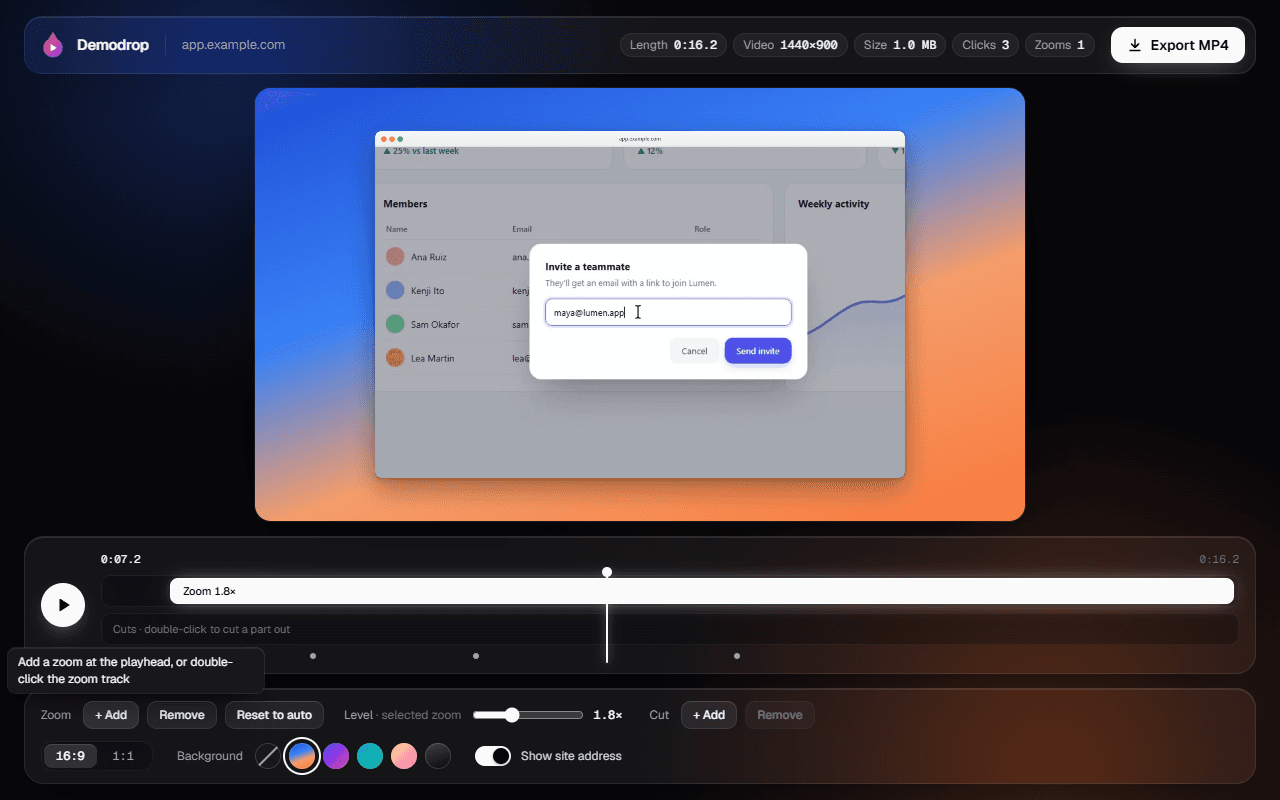
Edit 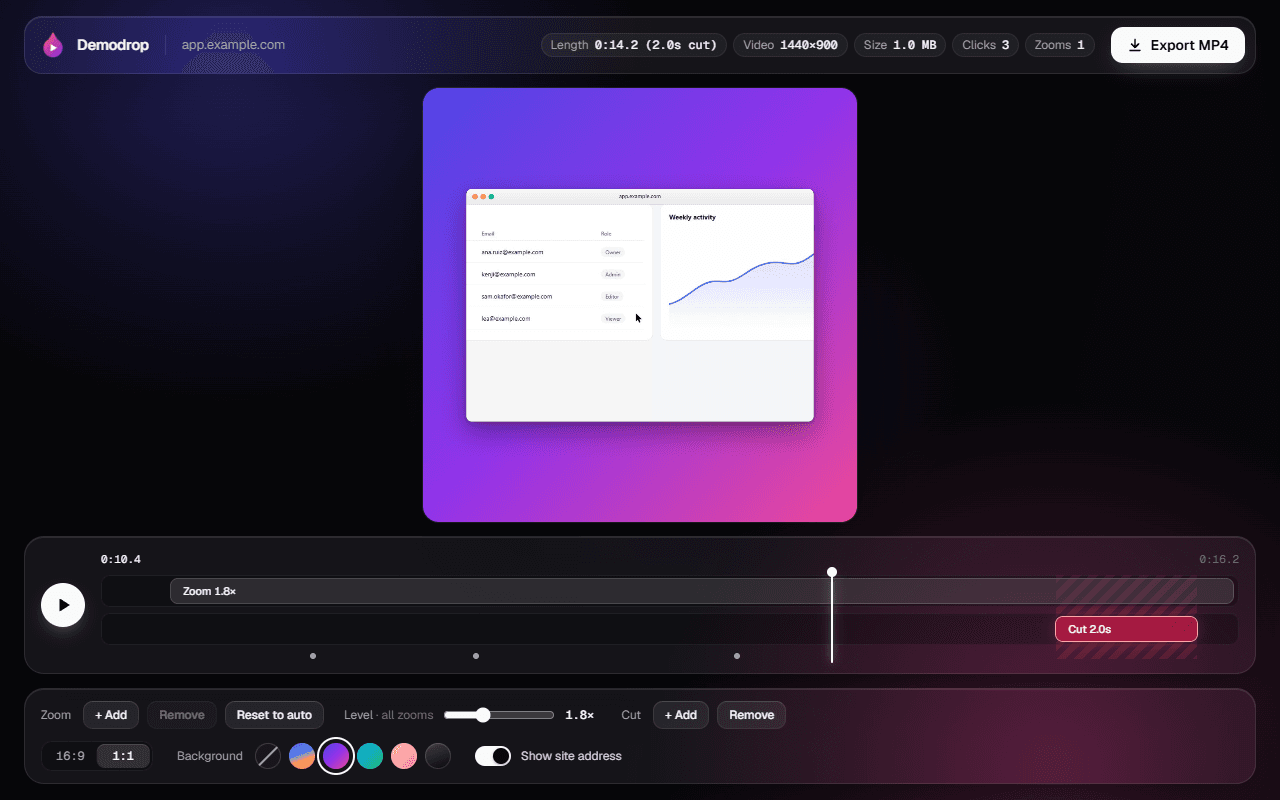
1:1 and cuts 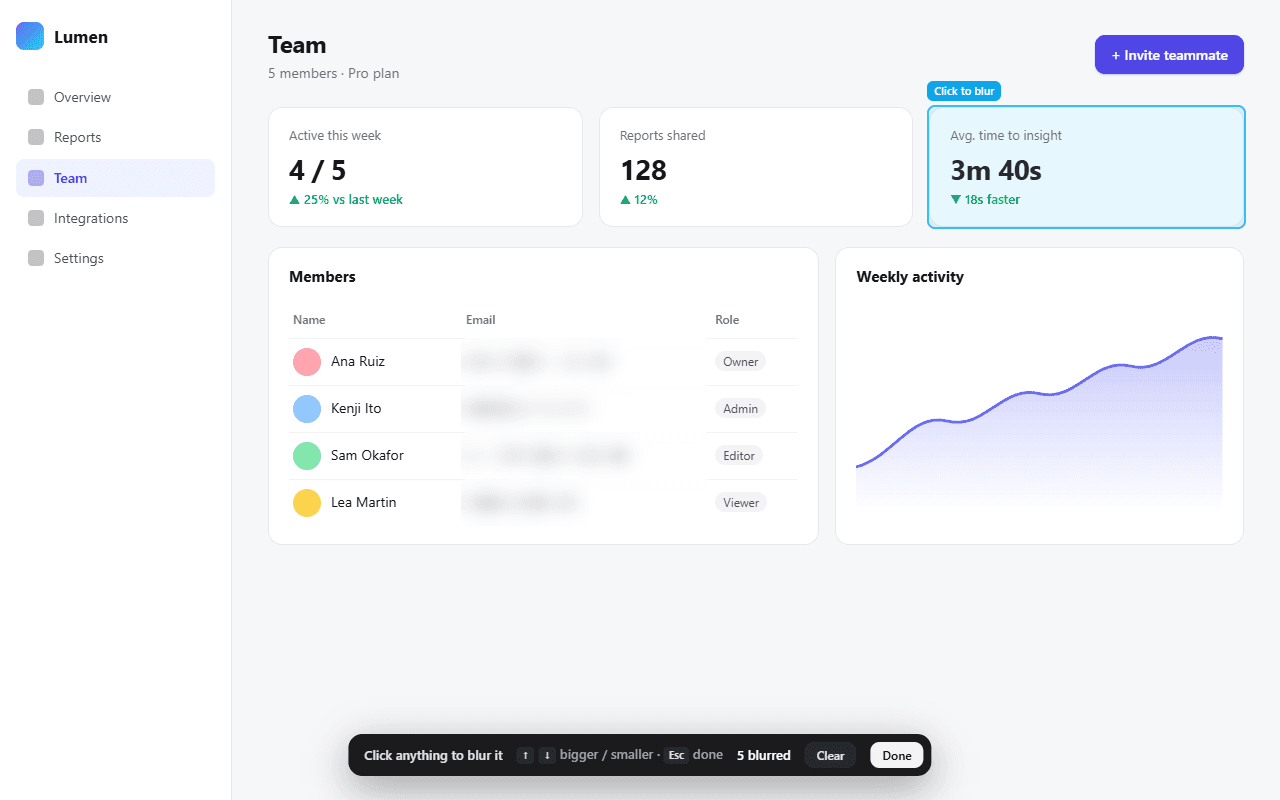
Blur before recording 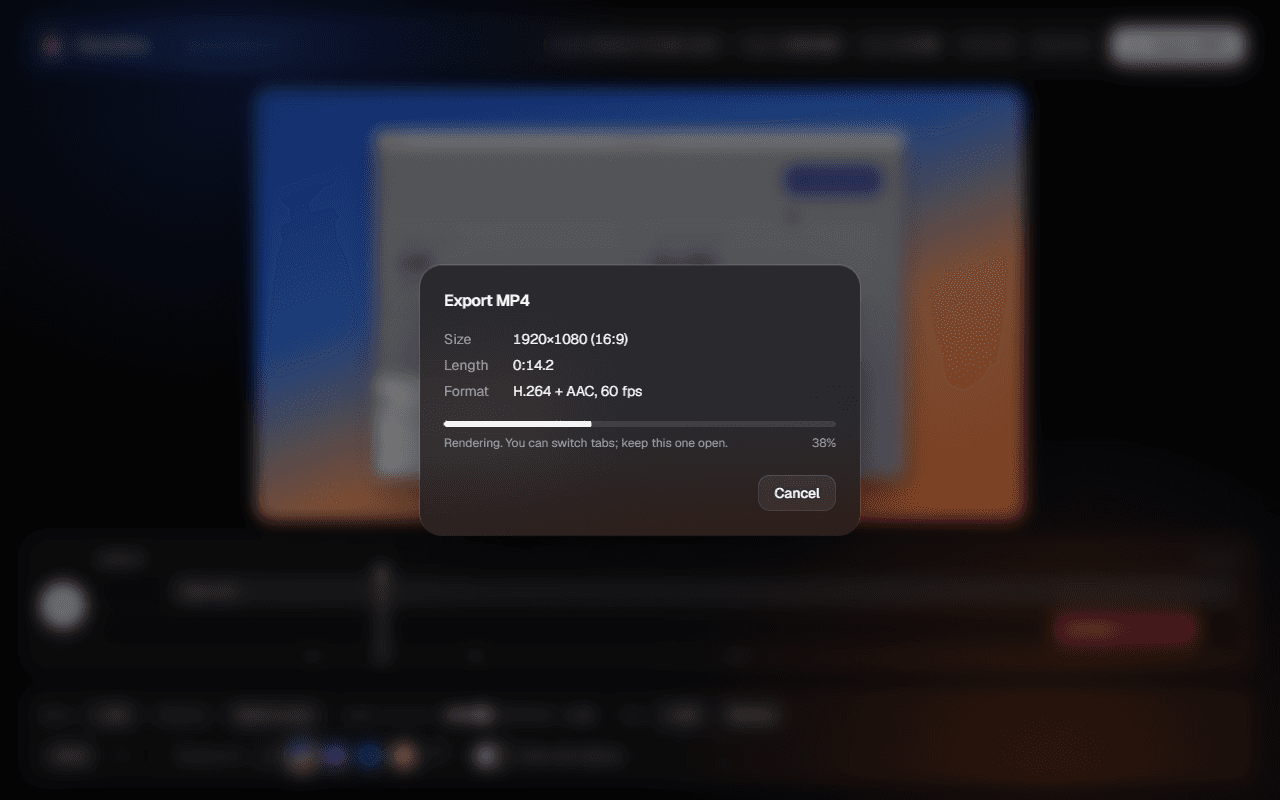
Export 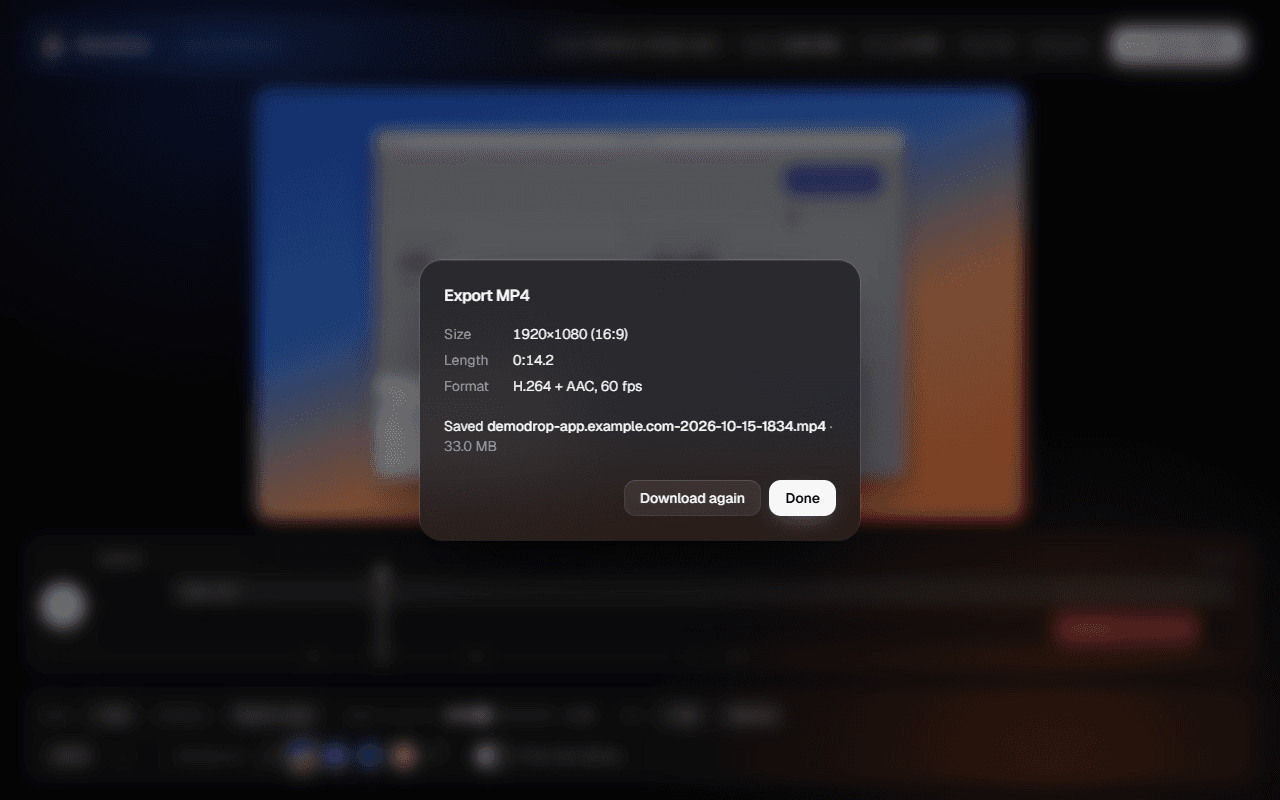
Saved
How it works
- 1
Record a tab
Click Record, get a 3-2-1 countdown, and use the page normally, with your microphone if you like. Your pointer turns into a clean Mac-style cursor for the take.
- 2
Get the zooms for free
Every click and real pointer movement is logged against the video clock. The camera glides in when you start working, follows the pointer, and eases back out when you stop.
- 3
Tidy it up
Move, resize or delete zoom blocks and set each from 1.2× to 3×. Cut out mistakes and loading screens. Pick a gradient, a Mac-style window, 16:9 or 1:1.
- 4
Export and post
A 1080p, 60 fps MP4 in H.264 and AAC, with the cuts removed and the file kept under X’s upload limit.
Product decisions
Nothing leaves the device
Recording, editing and export all run in the browser. No servers, no accounts, no uploads, so there is nothing to sign up for and nothing to leak. It also keeps the store listing honest: Demodrop collects no data at all.
The real cursor is the video’s cursor
Most tools hide the cursor and draw a fake one afterwards, which never quite matches the page. Demodrop swaps the page’s cursors for Mac-style ones while recording: a hand on links, an I-beam on text, resize arrows on edges. Tab capture records them, so the cursor always matches what the page did. The editor only adds click ripples.
Blur before you record, not after
Pick the emails, names and API keys to hide before you hit Record. Each gets a frosted pane that tracks the element every frame, even as you scroll, and reattaches when the page re-renders. Private details never reach the recording.
Automatic first, editable after
Zoom blocks are generated from what you did, so a recording already looks finished when the editor opens. Editing means nudging blocks, not building them from scratch.
Engineering
One clock across three contexts
The page, the offscreen recorder and the editor all run in different contexts. The page stamps each pointer event with performance.timeOrigin plus the event’s timestamp, the recorder stamps video zero the same way when MediaRecorder starts, and subtracting the two puts every click on the right frame.
A camera you can seek
The follow camera is a critically damped spring with a dead zone, so it never overshoots and small movements don’t make the picture swim. It’s precomputed at 120 Hz into arrays, which makes the camera a pure function of time: preview, seeking and export render exactly the same frame.
Export faster than real time
WebCodecs through Mediabunny decodes each recorded frame once, draws it with the same renderer as the preview, and encodes H.264 at 14 Mbps for crisp text. It doesn’t wait on playback, keeps working in a background tab, and is only loaded when you export.
An engine with no framework
Zoom generation, easing, the camera, layout, cuts and export planning are plain TypeScript with no React and no DOM beyond the canvas, each with its own unit tests. The UI on top can change without touching how a frame is drawn.
Stack
- Chrome MV3 · WXT
- Extension and build
- React 19 · TypeScript
- Popup and editor
- Tailwind CSS v4
- Styling
- tabCapture · MediaRecorder
- Recording, in an offscreen document
- Canvas 2D
- Frame rendering
- WebCodecs · Mediabunny
- MP4 encoding
- IndexedDB
- Recordings and edits
- Vitest
- Engine tests
What’s next
- Record Demodrop’s own launch demo with Demodrop
- Keep logging the pointer when the recorded tab navigates to a new page
- Follow the pointer inside cross-origin iframes
Shipping something?
Turn a tab into a demo worth posting.